See it. Say it.
Never forget it.
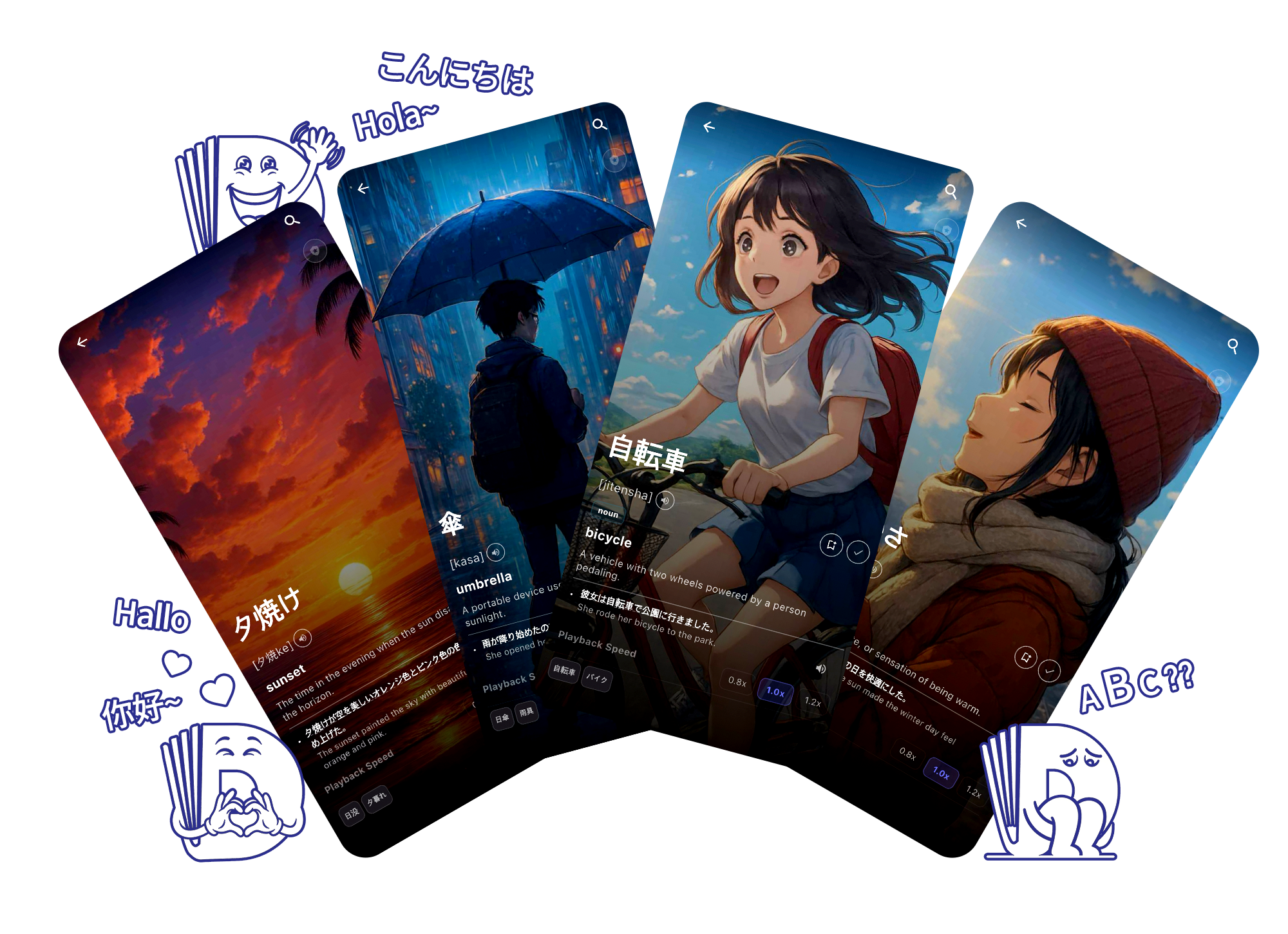
ViDic turns new words into vivid pictures and bite-sized flashcards, so vocabulary sticks the first time — not the tenth.



Built for self-learners, students, and anyone who thinks in pictures
Built to make words stick
Every part of ViDic is designed around how memory actually works — so studying finally turns into remembering.
Visual-First Learning
Every word comes with an image that captures its meaning at a glance. There's no mental translation step — the moment you see it, you understand it.
See the research behind this →Structured Learning Courses
Follow courses that pair pronunciation coaching with image-based memory techniques — so you don't just recognize a word, you learn to say it correctly too.
The 1·3·5 Review Method
Based on the forgetting curve, ViDic automatically resurfaces each word on day 1, day 3, and day 5 — right before you're about to forget it. That timing is what turns a new word into a word you'll never forget.
AI Tutor Conversations
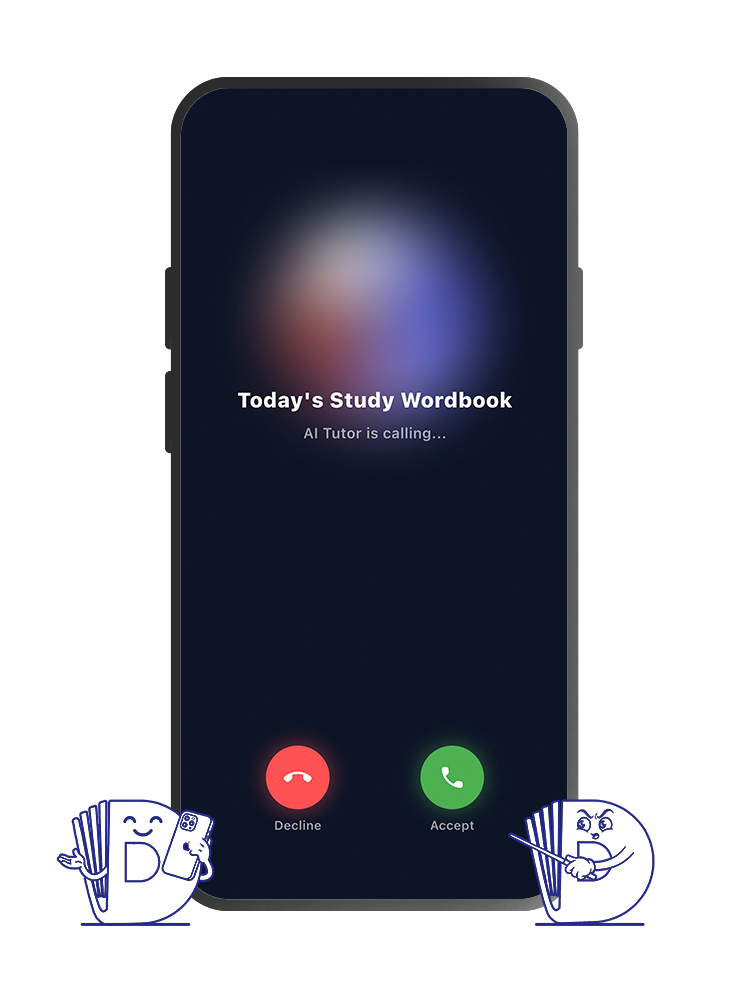
Practice speaking with an AI tutor that builds real conversations around the words you just learned. Not flashcard drilling — actual dialogue that puts new vocabulary to use.
Your progress and word data are saved on your device.
Clear course stats show exactly what to study next.
Word data stays consistent across every language.
Four steps, every word
No complicated setup — just open the app and start learning the way memory actually works.
Pick a word
Browse curated word sets or search anything you're curious about.
See it visually
Learn meaning through images instead of long translations.
Review with flashcards
Quick, spaced-out reviews lock the word into long-term memory.
Ask your AI tutor
Stuck on something? Get a clear, friendly explanation in seconds.
Why pictures beat plain words
Cognitive science has studied this for decades — visual learning isn't just a nice feature, it's how memory actually works.
Recognition accuracy: pictures vs. words
Classic memory study, tested after a delay
Source: Shepard, R. N. (1967). Recognition memory for words, sentences, and pictures. Journal of Verbal Learning and Verbal Behavior.
higher recall for information learned with both an image and a word, compared to word-only learning — the core finding behind Dual Coding Theory.
Paivio (1971); Pressley (1977)to retrieve every word: your brain stores a visual code and a verbal code, so if one fades, the other still helps you remember.
Dual Coding TheoryViDic is built around this research — pairing every new word with an image so it's encoded twice, not once.
Start learning visually today
Download ViDic and turn every new word into a picture you'll never forget.
Frequently asked questions
Is ViDic free to use?
Yes. ViDic is free to download and start learning, with optional premium features for advanced learners.
Do I need an internet connection?
No. Your course progress and word data are cached on your device, so most of the app works offline. We only check for updates periodically.
Which languages are supported?
English is our core language, with more languages being added regularly. New content is built on top of our English word database.
Does ViDic save my chat history with the AI tutor?
No. Each AI tutor session is stand-alone and isn't stored or carried over between sessions.